
Practical local-first software and utilities created by Dan Peters Designs for real workshop, business, and desktop needs.
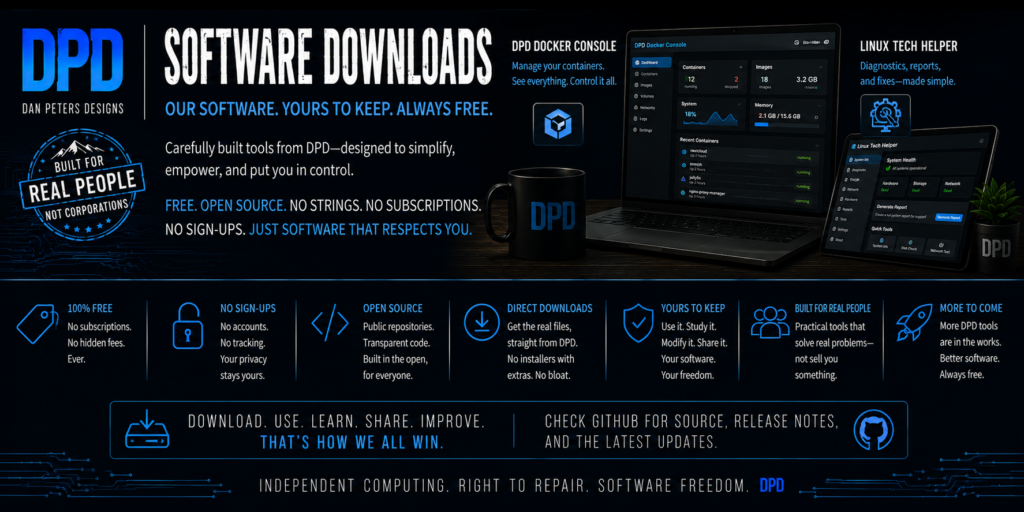
These projects are built around real workshop needs: managing local services, gathering understandable diagnostic information, and making Linux systems less intimidating for regular users.
Some software is released as alpha or beta while it is still being tested. The status shown with each project matters: a preview is not yet a download, and an alpha release should be treated as working experimental software rather than a finished product.
Utilities and Tools
ChaosLedger — Android 0.1.0 Preview
Document what operational mistakes and changes actually cost your business.
ChaosLedger records customer, vendor, and internal incidents; attaches supporting evidence; calculates labor, material, freight, downtime, outside-service, and other direct costs; and builds a searchable history with printable reports.
The standalone Android preview is now available. It stores its records and evidence locally, requires no server or cloud account, and includes native incident PDF reports. The download package contains the signed APK, SHA-256 checksum, and install note.
DPD Docker Console
Version: 0.1.1-alpha
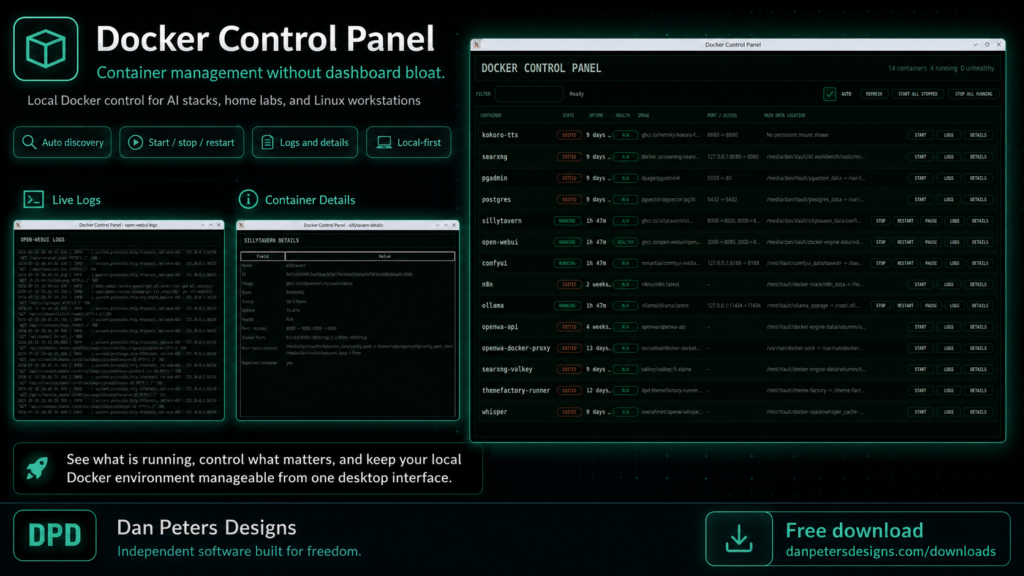
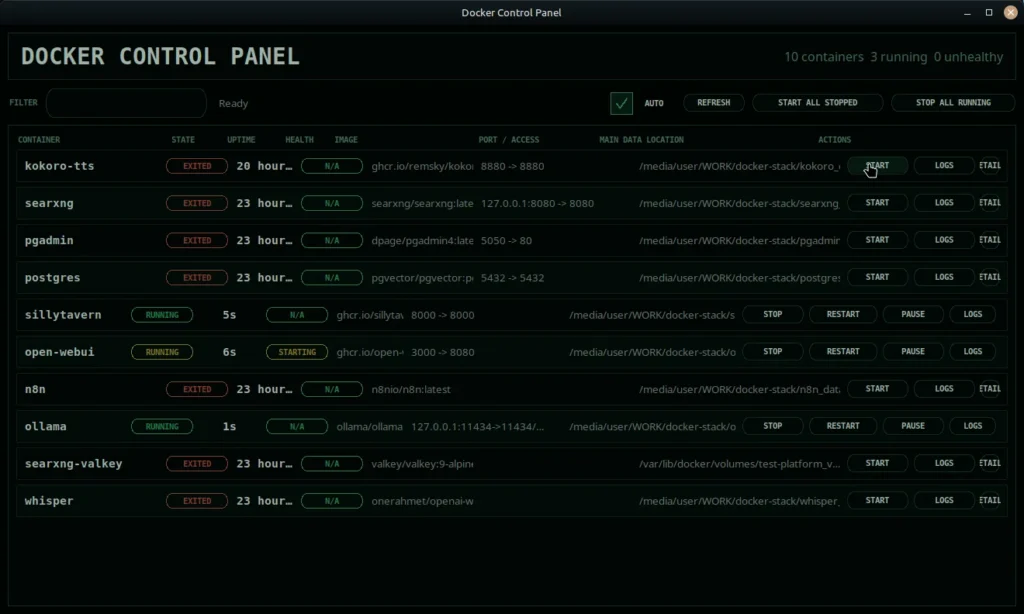
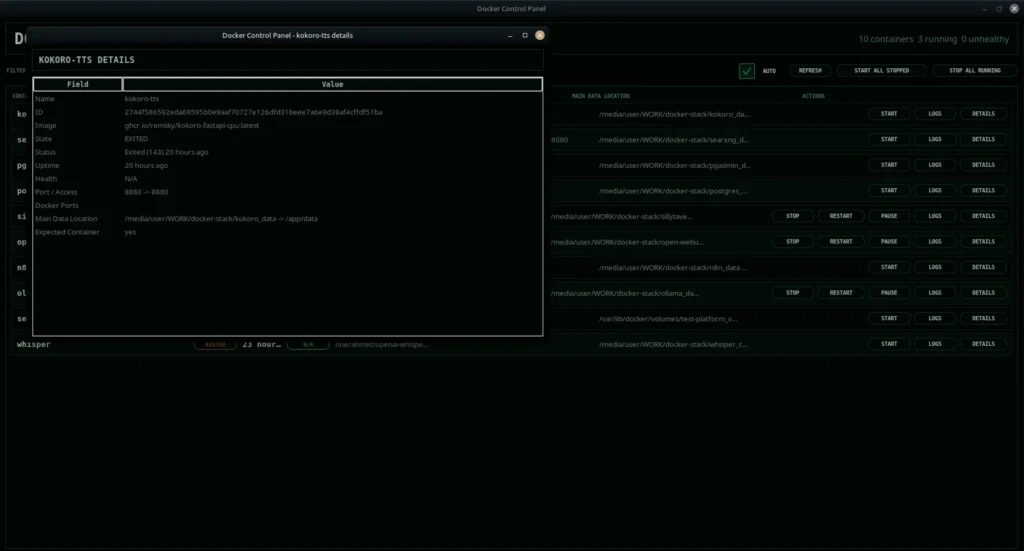
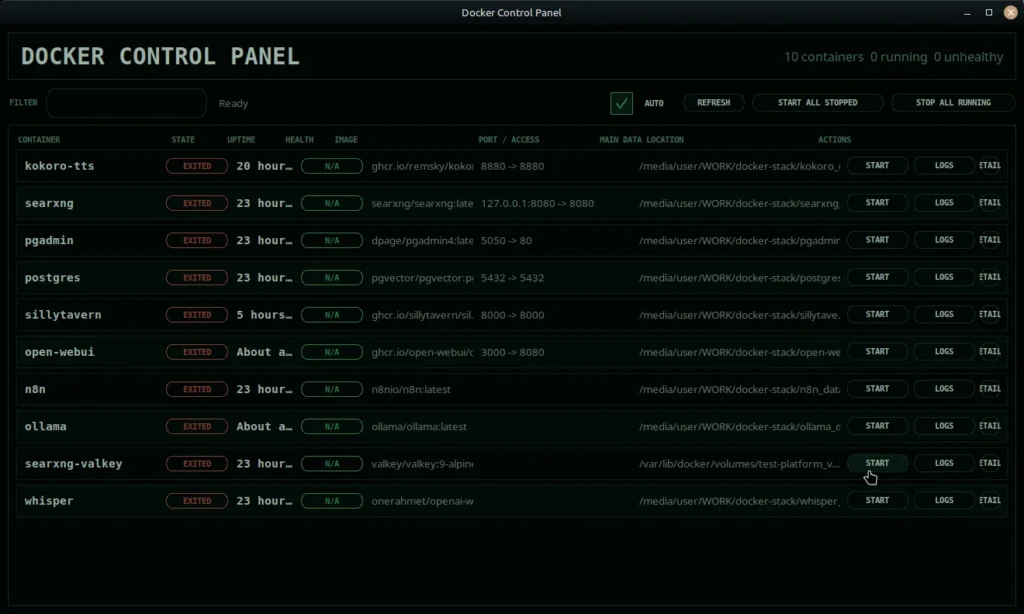
A lightweight Linux desktop control panel for local Docker containers.
Built for local AI stacks, home-lab machines, and Linux workstations where you only want the containers you actually need running.
Download:
https://github.com/DanPetersDesigns/DPD-Docker-Console/releases/tag/v0.1.1-alpha
Notes:
Alpha release. Intended for local workstation/lab Docker containers. Not a replacement for Docker, Portainer, or full orchestration dashboards.
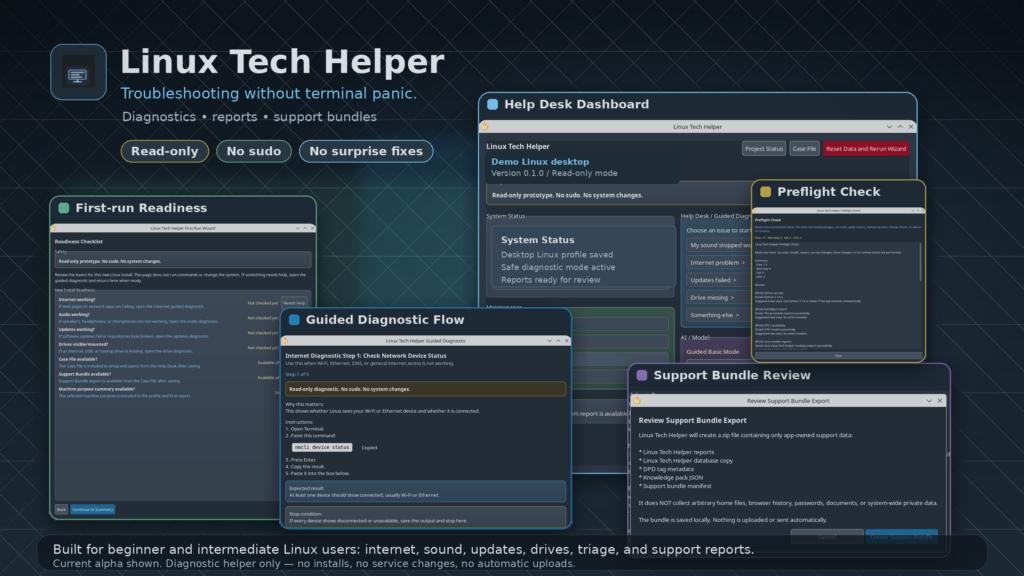
Linux Tech Helper
Safe Linux troubleshooting for regular desktop users.
Linux Tech Helper helps you collect useful diagnostic information, understand confusing terminal output, and prepare clean support reports without making risky system changes.
It is built for common desktop Linux problems like broken internet, missing sound, failed updates, missing external drives, and “what information do I give when asking for help?”
The first public version is focused on read-only diagnostics. It does not run repairs, use sudo, install packages, edit configuration files, or change network settings.
Preview shown. Download coming soon.
How It Works
Linux is powerful, but troubleshooting it can be intimidating. When something breaks, many guides and forum replies quickly turn into long terminal commands, pasted logs, and technical guesses. That can be overwhelming for people who just want their internet, sound, updates, or drives to work.
Linux Tech Helper is designed to sit between the user and that terminal-heavy support process.
The app does not try to hide Linux. It does not pretend problems can always be fixed with one magic button. Instead, it turns troubleshooting into a guided, safer, more understandable process.
A user can choose the kind of problem they are having, follow safe diagnostic steps, paste command output back into the app, and get a plain-English explanation of what the result may mean. When needed, Linux Tech Helper can also help prepare a clean case file or support bundle so the user can ask for help without dumping private files or random system data.
The current goal is simple:
Help the user understand the system before helping the user change the system.
That is why the first public release is planned as a non-AI, read-only diagnostic tool. It focuses on safe information gathering, clear explanations, support reports, and a strong safety framework before any repair features or AI-assisted features are added.
Release and Safety Notes
Each downloadable package will include installation and removal instructions, screenshots, version information, and relevant change notes. Please read the included documentation before running scripts or changing system settings. Alpha and beta releases may be incomplete and may change between versions.
Additional DPD tools will be added here as they are packaged for public release.