
Welcome to Your Digital Sovereignty
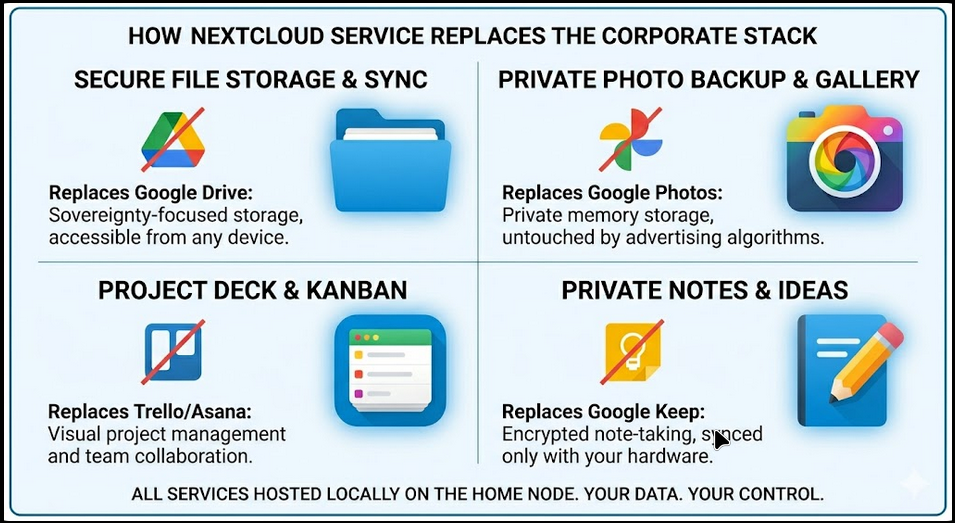
Step inside a fully independent workspace.
You are about to enter a live demo of Nextcloud—a professional-grade productivity suite that replaces the need for big-tech subscriptions. This isn’t just a file-share; it’s a complete digital ecosystem that puts the user back in control.
What Nextcloud Can Be For You:
- Your Universal File Hub See how Nextcloud bridges different worlds. The “Stacks” folder you’ll see inside is a live connection to an external NAS, proving you can centralize all your data—from old archives to new projects—into one seamless interface.
- A Private Collaboration Suite Experience a workspace where teams can coordinate, chat, and share without a third party watching. It’s the “Google Drive experience” without the corporate surveillance.
- The Secure Guest Portal Notice how you’re entering as a guest? This is how you can handle clients—providing a professional, branded entry point for them to securely upload or view sensitive assets.
- Total Data Ownership Every click and every file in this demo stays within the walls of this private network. It’s an office that respects your privacy by design, not by a “terms of service” agreement.
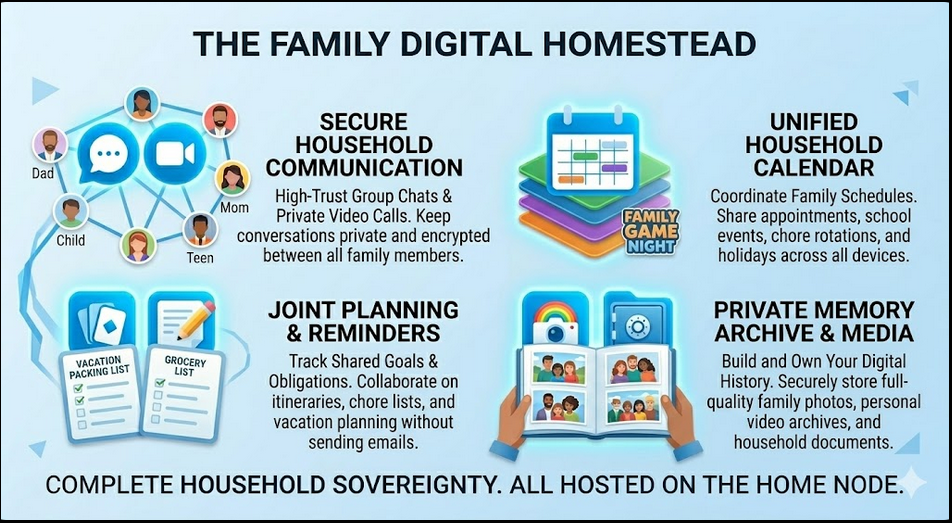
For the Post-Nuclear Family (The Digital Homestead) Modern families are often scattered across different ecosystems, making coordination a privacy nightmare. This portal provides a neutral, private “living room” where you can sync calendars, share grocery lists, and archive full-quality photos. It’s about building a digital history that your family owns, protected from the algorithmic surveillance of big tech.
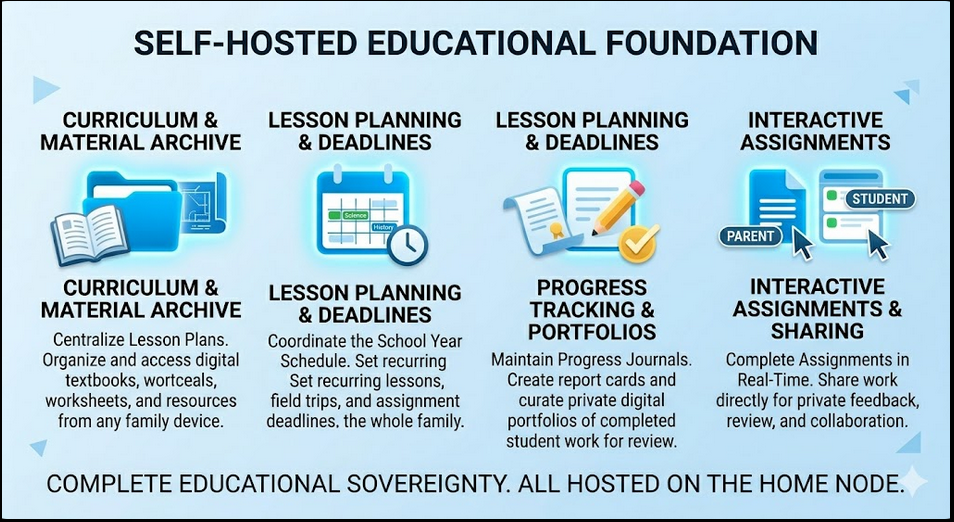
For Homeschooling (Educational Foundation) Transform your digital space into a private Educational Management System. Centralize curricula, track lesson progress, and build student portfolios in an environment free from ads and tracking. It allows parents to coordinate the school year and collaborate on assignments in real-time, keeping the focus entirely on the student’s growth and privacy.
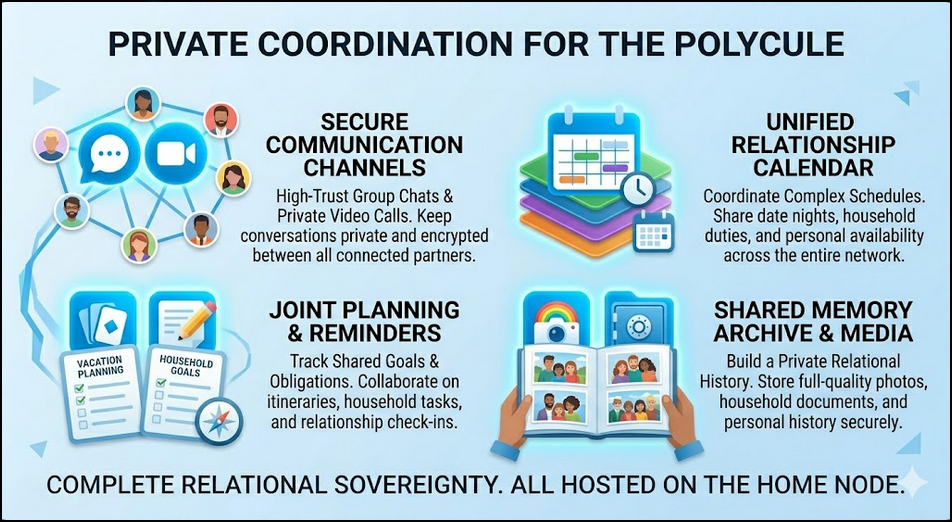
For the Polycule (Kinship Coordination) High-trust relationship networks require high-trust coordination. This environment offers a secure space for complex scheduling, shared household planning, and private communication. By self-hosting these tools, the polycule maintains total relational sovereignty—ensuring that intimate plans and shared memories remain strictly between partners.
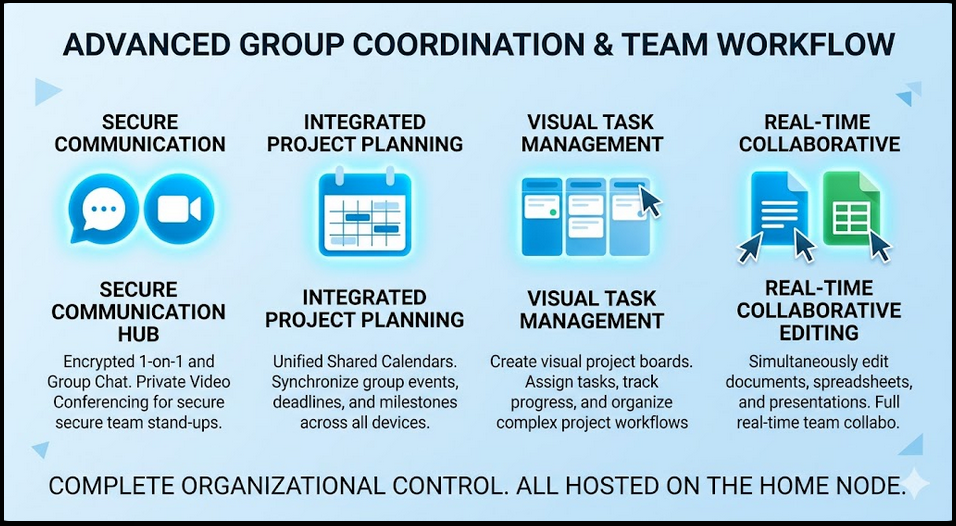
For Organizations & Teams (Advanced Workflow) Move beyond simple storage with professional-grade collaboration tools. Use Kanban boards for task management, secure video conferencing for stand-ups, and real-time document editing for team projects. It’s the full power of a corporate office suite, but powered by independent hardware and governed by your own rules.
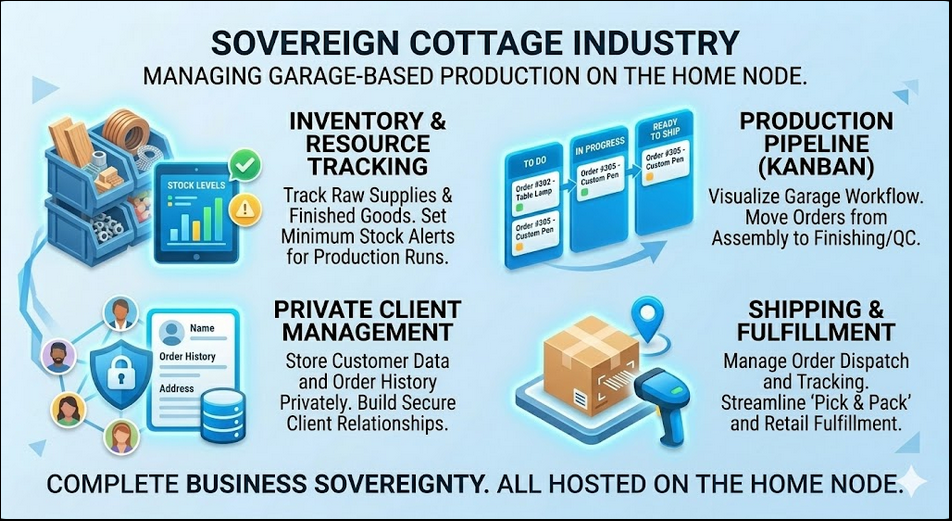
For Cottage Industry (Handmade & Small Production) Your garage workshop is a hub of local production, and your data should stay just as local. Use the integrated inventory and project tracking apps to manage raw materials and production workflows from assembly to kitting. This setup allows you to run a professional “Garage to Market” operation without paying a “SaaS tax” or exposing your client list to corporate data brokers.
[See the full Tech Stack breakdown below for more details]
The Sovereign Cottage Industry: A Maker’s Guide
Powering Handmade Production on the Home Node
For the maker working out of a garage or a small workshop, the “Cottage Industry” is more than a hobby—it is a feat of local production. However, modern business often demands a “SaaS Tax,” forcing creators to give up a percentage of their revenue and their client data to corporate platforms. By leveraging Nextcloud on a Home Node, makers can reclaim their autonomy.
The Maker’s Directive: Data sovereignty isn’t just about privacy; it’s about business resilience. When you own the server, your production line never goes down because of a platform’s terms-of-service change.
The Garage Tech Stack
1. Inventory & Resource Management
Using the Inventory App, makers can track every nut, bolt, and slab of wood. Set “Low Stock” thresholds to ensure you never run out of resin mid-pour or fabric mid-stitch. This moves your garage from “guessing” to “precision logistics.”
2. The Production Pipeline (Deck)
The Deck App acts as your visual shop foreman. Create boards for “Raw Materials,” “In Assembly,” “Finishing,” and “Ready for Shipping.” Moving a card from one stack to the next provides a clear bird’s-eye view of your current capacity.
3. Private CRM (Contacts & Forms)
Your client list is your most valuable asset. Using Nextcloud Forms for custom order inquiries and Contacts for CRM ensures that your customers’ sensitive information stays in your office, not in a data broker’s database.
4. Shipping & Fulfillment (Files & Tags)
Organize shipping labels, invoices, and product photography in Files. Use system tags to mark orders as “Paid,” “Shipped,” or “Delivered,” creating a seamless workflow from the workbench to the customer’s door.
Document generated for Dan Peters Designs – Independent Computing Initiative
The Technology Behind the Curtain
Note on Data Sovereignty: While Nextcloud provides the experience, this login page is hosted on my Dell Precision M4800, located in my office. Your credentials are encrypted and stored locally. No third-party corporation has access to your activity here.
Guest Access:
- Username:
Guest - Password:
[YourPassword]