
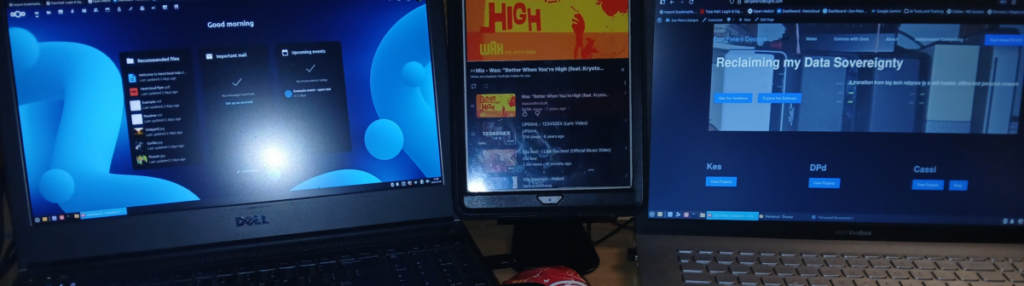
My Home Node
Here is a breakdown of the hardware that was used.
Most was given to me over the past few years, i spent about $50 for the Dlink switch and a dozen patch cables, and the $10.50 for a domain for a year, but you don’t need that.
Archived Original Build
This is where independent computing started for me: a small home node assembled from equipment I already owned, salvaged hardware, and a few inexpensive additions. Some parts of this original setup are still in use, while others were replaced, reassigned, or became the foundation for the systems that followed. This page is preserved as a snapshot of that first build. For the machines and infrastructure in use now, visit Current Systems.
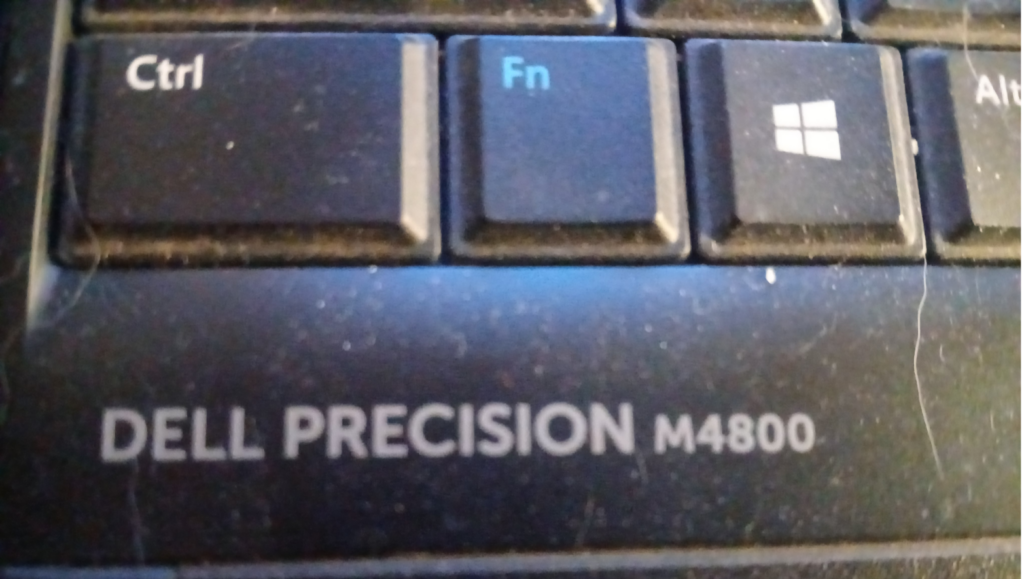
The Brain: Dell laptop
| Component | Specification |
| Model | Dell Precision M4800 Workstation |
| CPU | Intel Core i7-4710MQ (4C/8T, 3.5GHz Turbo) |
| Memory | 16 GB DDR3L |
| Primary Storage | 256 GB Samsung SSD (9% Utilization) |
| Integrated GPU | Intel HD Graphics 4600 |
| Discrete GPU | NVIDIA Quadro K1100M (Nouveau Drivers) |
| Display | 15.5″ FHD (1920×1080) @ 60Hz |
| Operating System | Linux Mint 22.3 “Zena” (Xfce 4.18.1) |
| Kernel | 6.17.0-19-generic |
| Network | Intel Wireless 7260 + Gigabit Ethernet |
| Containers | Docker Engine (Active via docker0) |
| Battery Health | 58.7% (58.6Wh remaining) |
| CPU Temp | ~51°C (Idle/Light Load) |
| GPU Temp | ~33°C |
| Peripherals | Logitech Wireless Interface |
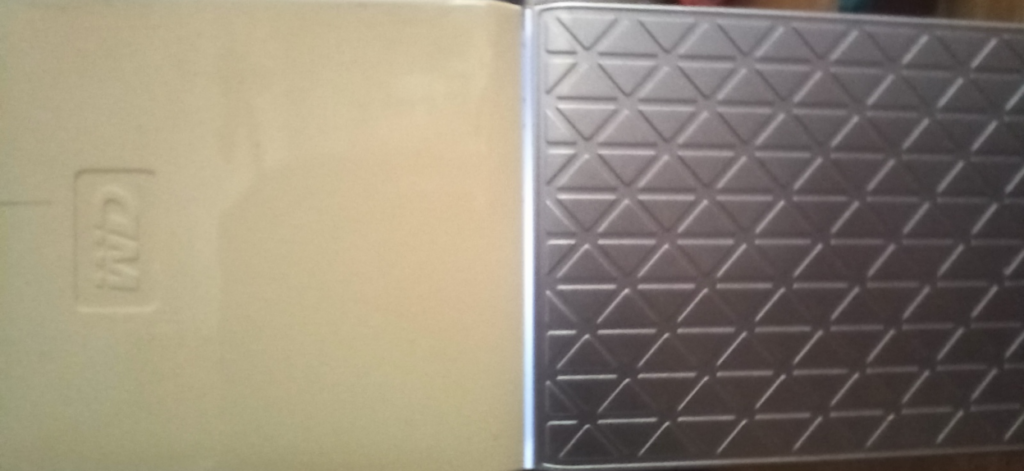
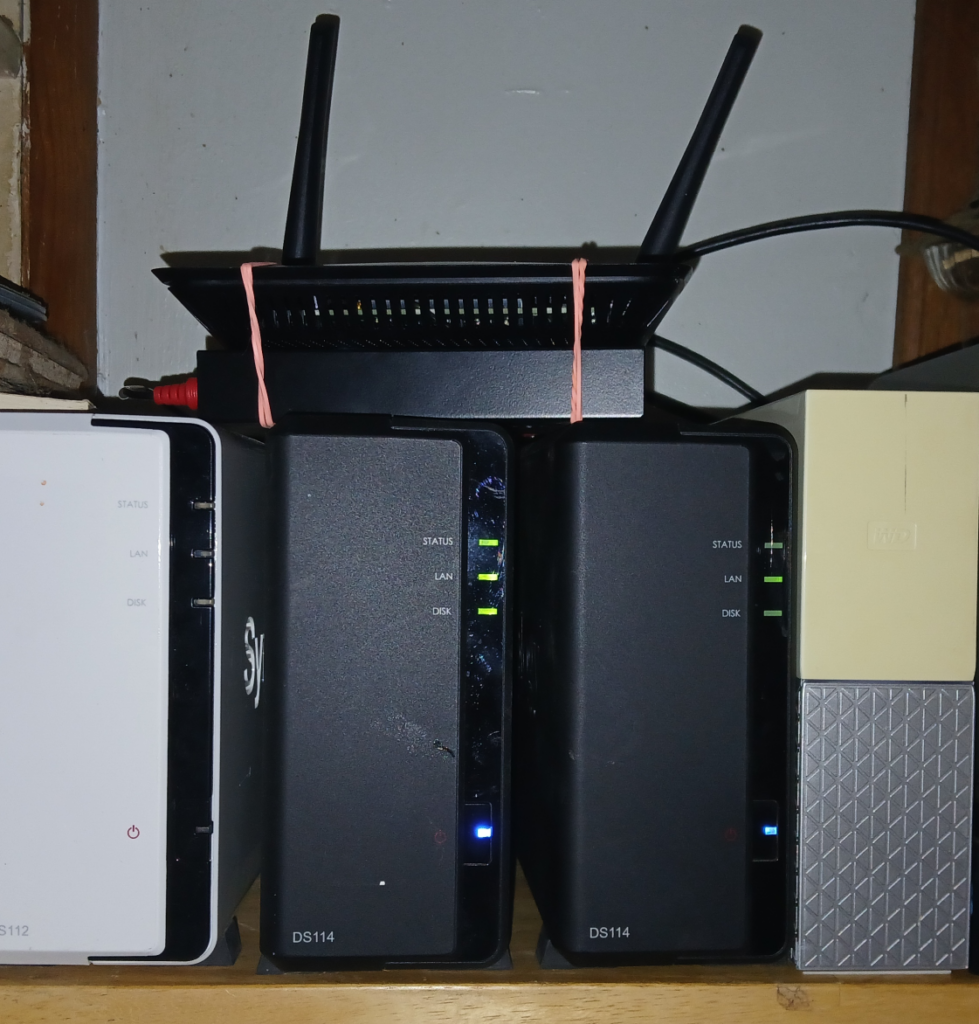
Multimedia Storage: Western Digital MyCloud, home cloud
| Component | Specification |
| Model | WDBVXC0040HWT (Single-Bay) |
| Serial/ID | G1C BGDJRA 3918Q |
| Processor | Realtek RTD1295PB-CG (Quad-Core 1.4 GHz) |
| Memory | 1 GB DDR3L |
| Storage | 4TB 3.5″ HDD (5400 RPM) |
| RAID | Not Supported (Single Drive) |
| Network | 1 x Gigabit Ethernet (RJ-45) |
| USB | 1 x USB 3.0 (Import Only) |
Setup Note:
Requirement: Mandatory WD account & active internet for setup.
Status: Contains multimedia. Primarily used for simplified home backups. Note that this unit requires a “cloud” handshake via the WD portal for most functions.
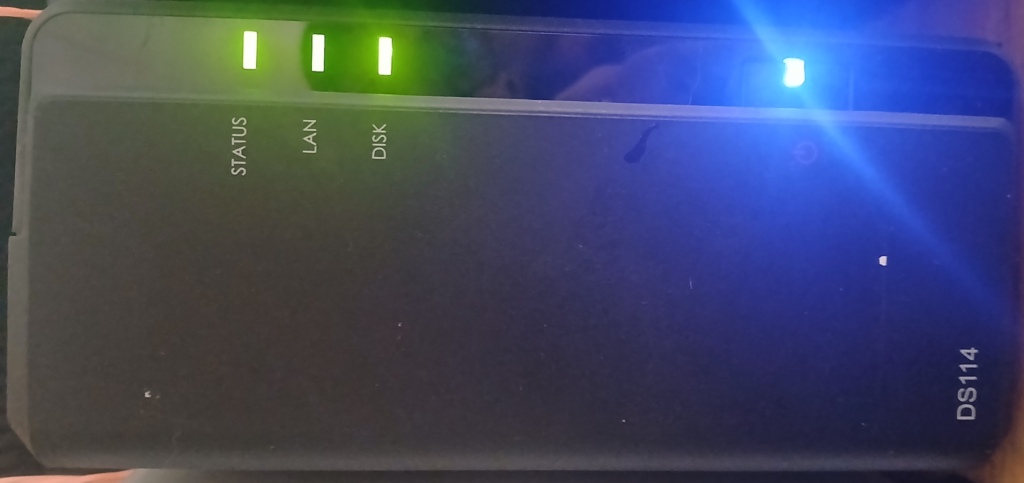
Storage Node: Synology DS118
Role: Nextcloud storage Node
Current Drive: 1TB SATA
Storage Node: Synology DS114
Role: Phone Backup Server
Current Drive: 250GB SATA
| Component | Specification |
| Processor | Realtek RTD1296 (Quad-Core 1.4 GHz, 64-bit) |
| Memory | 1 GB DDR4 |
| Max Capacity | 18 TB (Single Drive) / 108 TB Volume |
| Transcoding | 10-bit 4K H.265 (HEVC) @ 30 FPS |
| Network | 1 x Gigabit LAN |
| USB | 2 x USB 3.0 (Rear) |
| Power Draw | 9.4W (Access) / 4.22W (Hibernation) |
| Performance | ~113 MB/s Read / 112 MB/s Write |
| Component | Specification |
| Processor | Marvell Armada 370 (1.2 GHz Single Core w/ FPU) |
| Memory | 512 MB DDR3 |
| Expansion | 1 x eSATA Port |
| Network | 1 x Gigabit LAN |
| USB | 2 x USB 3.0 (Rear) |
| Power Draw | 16.25W (Access) / 6.88W (Hibernation) |
| Acoustics | 18.2 dB(A) (60mm Quiet Fan) |
| File System | EXT4 |
Network
| Segment | Hardware | Role |
| Local Hub | D-Link 8-Port Gigabit Switch | Physical backbone for all wired nodes. |
| Bridge | Linksys AC1200 (E5400) | Wireless Bridge mode; links local switch to ISP. |
| ISP Gateway | Xfinity Router | External. Provides WAN access only. |
Note on Architecture:
All primary nodes (Dell M4800, Synology units, WD MyCloud) are hardwired to the D-Link switch. The Asus laptop and mobile devices remain on wireless. This physical separation ensures that the internal data hoard remains high-speed and accessible even if the Xfinity WAN link goes down.
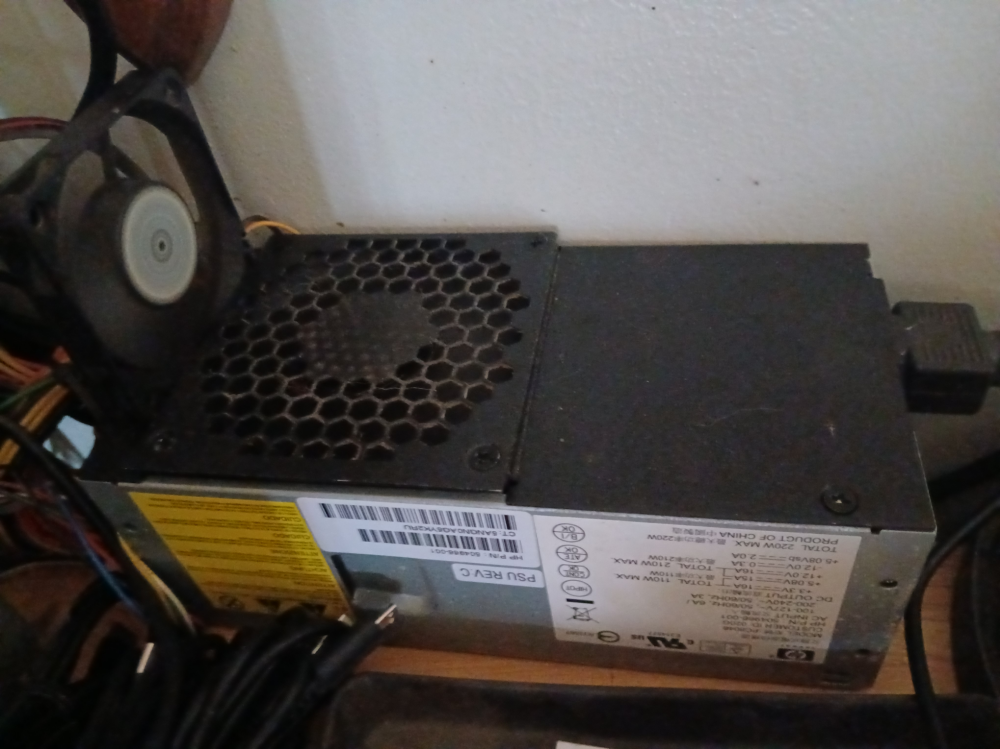
Centralized Power: The “Donor” PSU
Role: Unified DC Power Rail for Storage & Networking
| Component | Specification |
| Donor Unit | HP 210W Proprietary PSU |
| Modification | Custom-soldered 24-pin Harness |
| Output Rails | Dedicated 12V / 5V lines for peripheral hardware |
| Cooling | Internal Active Fan (HP OEM) |
| Efficiency | Higher than 4+ individual AC adapters combined |
| Powered Device | Power Source |
| Synology DS118 | 12V Rail (Custom Lead) |
| Synology DS114 | 12V Rail (Custom Lead) |
| WD MyCloud Home | 12V Rail (Custom Lead) |
| D-Link 8-Port Switch | 5V/12V Rail (Custom Lead) |
| Linksys AC1200 | 12V Rail (Custom Lead) |

The Architecture: Separating the OS from the Assets
The hardware I scrounge and the software I choose are bridged by a strict “separation of church and state.” On every machine—from the salvaged Dell workstation to the primary ASUSTeK laptop—the Operating System (Linux Mint) lives on its own dedicated drive. This keeps the environment lean and replaceable. If the OS fails or I decide to hop to a different distro, I don’t lose a single byte of my actual work.
The heavy lifting happens in the Vault. By partitioning my storage to keep Docker containers, Nextcloud data, and Kiwix databases on a separate physical or logical drive “the Vault” , the system becomes modular. My Dockerized services are portable, my local AI models are permanent, and my knowledge archives stay offline and accessible regardless of what’s happening with the primary boot drive. This isn’t just a setup; it’s a localized infrastructure designed for zero-data-loss and total autonomy.